TABLE OF CONTENTS
What is this?
If you are here, you have probably seen a pop-up where Medal encountered an issue applying the latest update. It should look like this:
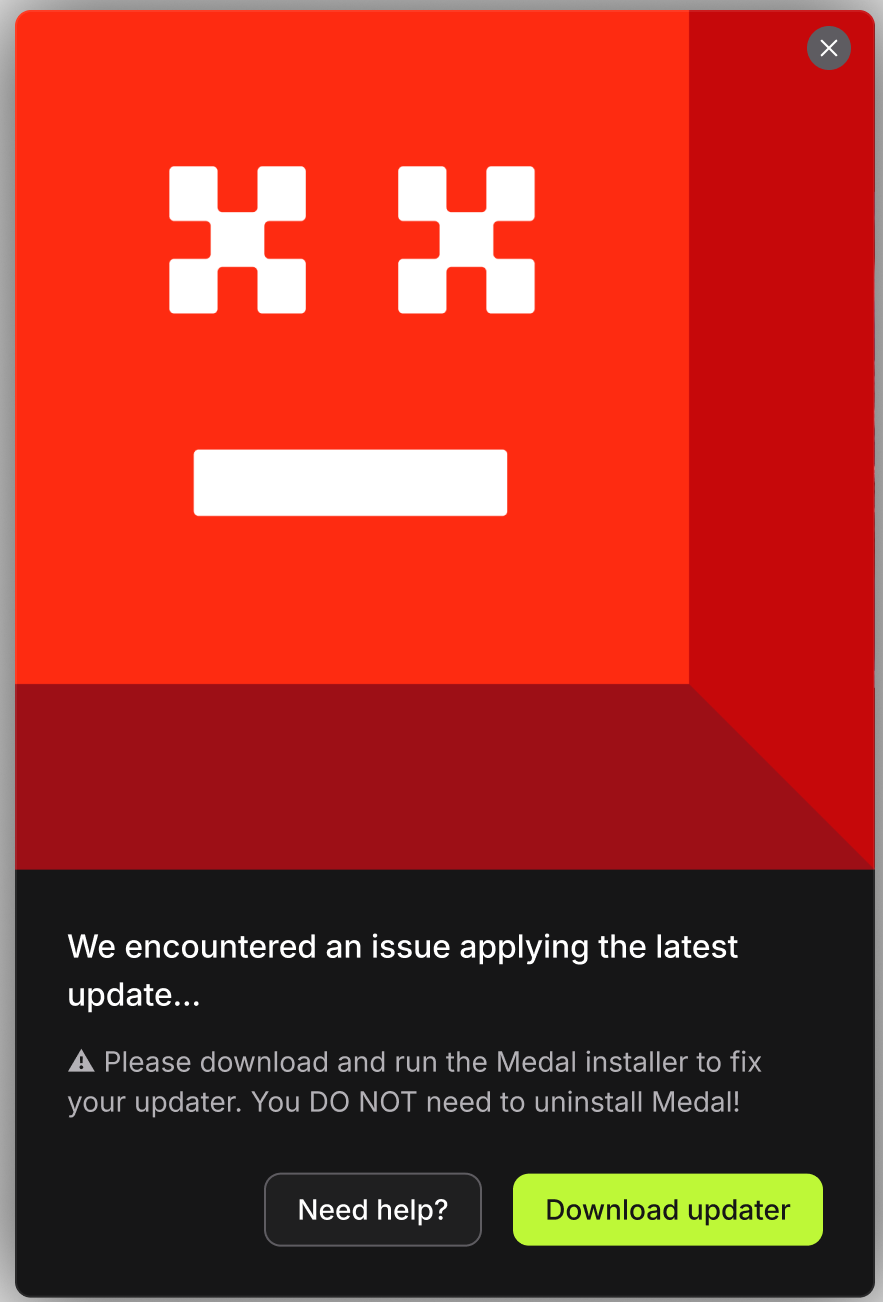
If you have seen this pop-up, you do not need to panic. This means you are using a very old version of Medal that we do not support and cannot automatically update from it.
How to fix?
All you need to do is to download the new installer from this link https://install.medal.tv/?ref=sos and run it!
You do not need to reinstall or uninstall Medal! We will handle everything for you, and your Clips will persist after this new installation.
If you have any questions, please contact the Support Team by creating a Support Ticket.
Was this article helpful?
That’s Great!
Thank you for your feedback
Sorry! We couldn't be helpful
Thank you for your feedback
Feedback sent
We appreciate your effort and will try to fix the article